Advanced PCB design software features in Flux
Flux supports circuit (SPICE) simulation, signal integrity, power integrity, full-wave electromagnetic simulation, high-speed routing, rigid-flex, and manufacturing verification. Ask Flux for the engineering result you need. It combines these capabilities with mechanical design, firmware, and wire harnesses to build the complete device.
Signal integrity (SI) analysis
Flux simulates routed signals and differential pairs. Analyze S-parameters, impedance, insertion loss, crosstalk, TDR, and eye diagrams. Ask Flux to review the results and fix the design.
Signal integrity simulation and review → Power integrity (PI/PDN) simulation
Analyze PDN impedance, decoupling, load-step droop, IR drop, and plane resonance. Flux uses vendor capacitor models to select decoupling capacitors and reviews rail current and temperature.
Power integrity simulation and review → Full-wave electromagnetic simulation
Run full-wave EM analysis on routed copper. Inspect electric and magnetic field maps, coupling, and frequency response. Ask Flux to review reference-plane gaps and return paths for EMC.
EMC design review → Constraints, length, and delay tuning
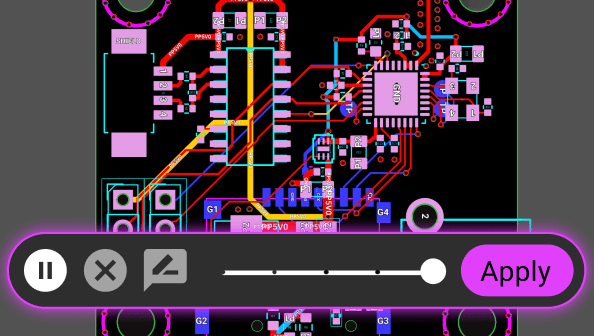
Set impedance, clearance, layer, and via rules. Flux calculates propagation delay from the stackup, converts timing budgets to route-length targets, and tunes trace length and skew.
Length and skew tuning → DDR and PCIe interface design
Plan DDR topology and timing budgets. Route fly-by or T-branch address and command nets, match data lanes to strobes, and review termination, skew, and signal integrity.
DDR and PCIe PCB design → HDI and BGA escape routing
Fan out dense BGAs with blind vias, buried vias, and microvias. Define via spans in the stackup and use neckdowns to route fine-pitch pads.
HDI and BGA PCB design → Flex and rigid-flex design
Define rigid and flex area stackups, coverlay, and stiffeners. Fold and twist the board in 3D, check fit in the assembly, and export the folded board as STEP.
Flex and rigid-flex boards → ECAD–MCAD co-design
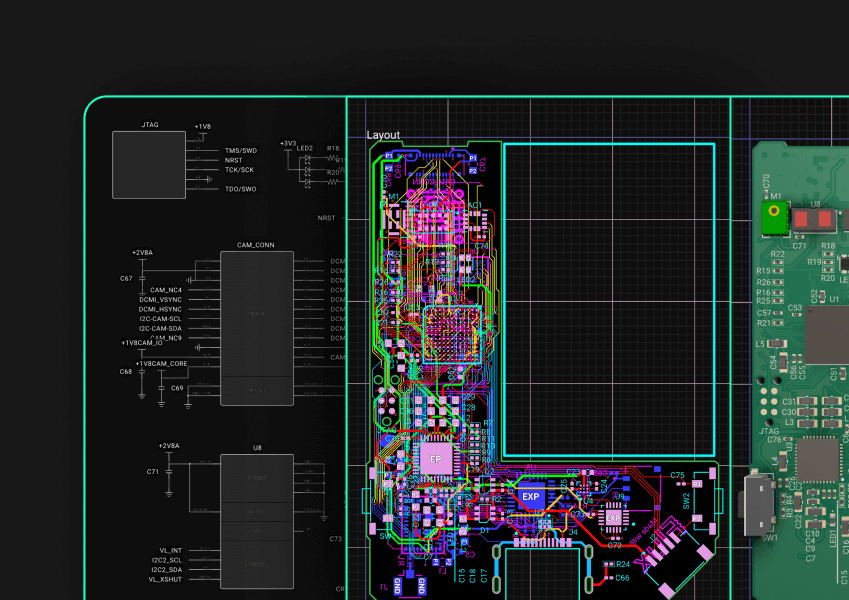
Design the board and mechanical assembly together. Flux updates connector openings, mounting supports, and the board outline when either side changes. Check interference, clearances, and tolerance stack-ups.
ECAD–MCAD co-design → Wire harness and cable engineering
Connect boards, motors, sensors, and batteries. Flux defines pin-to-pin wiring, finds mating housings, and selects wire gauges and lengths. Get a harness quote and a checkout link to order.
Design wire harnesses → Managed parts and sourcing
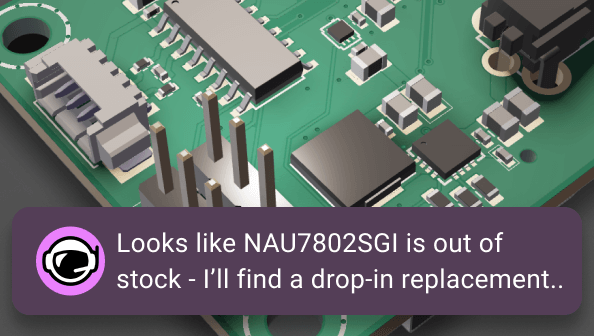
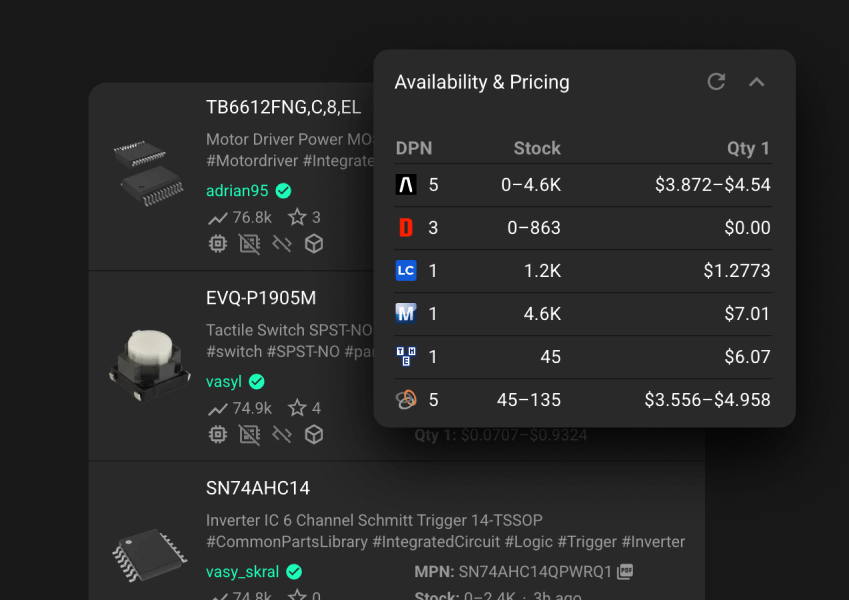
Use organization-owned part libraries and team standards. Review manufacturer part numbers, lifecycle, stock, lead time, and cost. Find in-stock replacements and second sources for production.
Part sourcing and supply chain → DFM/DFA and manufacturing files
Ask Flux to check fabrication and assembly requirements before you order. Review exported Gerber copper gaps, silkscreen, and board outlines. Cross-check the BOM and pick-and-place files.
Design for manufacturing and assembly → Design review and release preparation
Work together in the browser with project permissions, comments, and version history. Ask Flux to run design verification and prepare the manufacturing files and project documentation for review.
Design verification → For example, ask: “Review this DDR4 board. Check topology and timing budgets, tune lane-to-strobe skew, run SI and PDN simulations, and fix the issues before preparing the manufacturing files.”
Or ask: “Design the mechanical assembly around this rigid-flex board. Update the mounting supports and connector openings, check folded-board clearances, and design the harness to the motor and sensors.”